

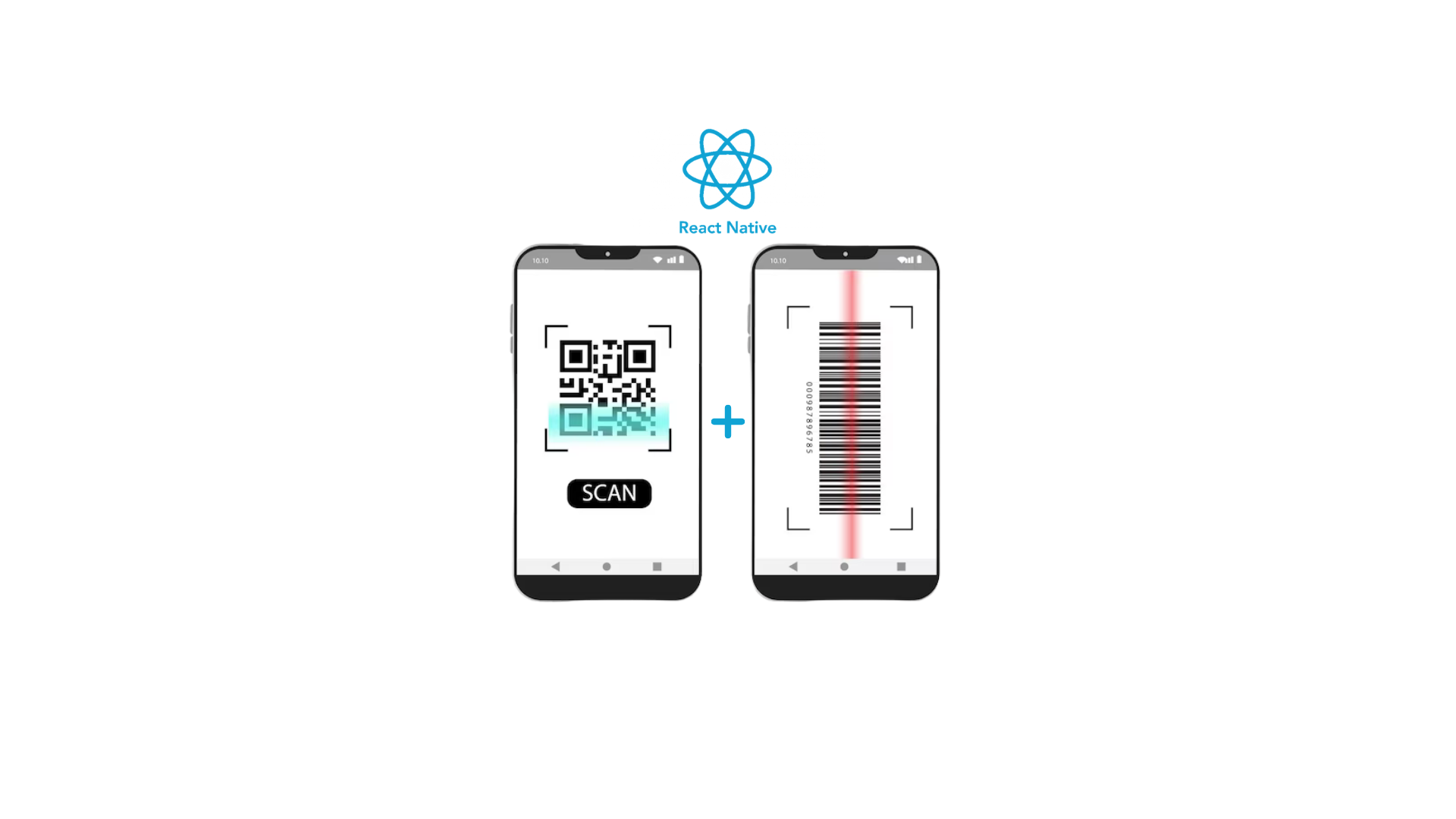

What is a Barcode & QR code?
A barcode holds information horizontally, while a QR code (Quick Response) holds information both vertically and horizontally.
To implement a barcode scanner in React Native, you’ll need react-native-vision-camera and react-native-worklets-core. These dependencies utilize MLKit Vision on Android and Apple Vision on iOS.
Install dependencies:
command 1: npm install react-native-vision-camera@3.3.0
command 2: npm install react-native-worklets-core@0.2.2
Add the worklet plugin to your babel.config.js:
module.exports = {
   plugins: [
        ['react-native-worklets-core/plugin']
   ],
}
Configure Permissions
Android: Add the following lines to your AndroidManifest.xml:
<uses-permission android:name="android.permission.CAMERA" />iOS: Add the following lines to your Info.plist:
<key>NSCameraUsageDescription</key>
<string>$(PRODUCT_NAME) needs access to your Camera.</string>
Additional Android Setup:
Ensure your build.gradle includes the following configurations:
- Set buildToolsVersion to 33.0.0 or higher
- Set compileSdkVersion to 33 or higher
- Set targetSdkVersion to 33 or higher
- Set minSdkVersion to 26 or higher
- Set ndkVersion to “23.1.7779620” or higher
- Update the Gradle Build-Tools version
In Android Make sure your Gradle Wrapper version is 7.5.1 or higher in gradle-wrapper.properties:
distributionUrl=https\://services.gradle.org/distributions/gradle-7.5.1-all.zipTroubleshoot
Use the useCameraDevice hook to access the camera:
Get Device
By using useCameraDevice hook, by passing ‘back’ as a parameter we are able to get the device which is required by camera component.
const device = useCameraDevice('back');Getting/Requesting Permission
Use the useCameraPermission hook to request camera permissions:
const { hasPermission, requestPermission } = useCameraPermission();Frame Processors:
Frame processors are functions that process frames the camera “sees”. Use them to call high-performance native functions for specific use cases:
const frameProcessor = useFrameProcessor((frame) => {
      'worklet'
      const objects = detectObjects(frame)
      console.log(`Detected ${objects.length} objects.`)
}, [])
CodeScanner
Use the useCodeScanner hook to detect codes in a camera stream:
const codeScanner = useCodeScanner({
      codeTypes: ['qr', 'ean-13'],
      onCodeScanned: (codes) => {
           console.log(`Scanned ${codes.length} codes!`)
      }
})
Scanner Example
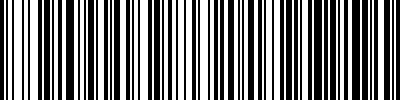
Refer to the demo app for a comprehensive example. Check out the sample barcode code-128 and QR code. BarcodeQRScanCode.
Barcode code-128
QR code

Please check out the demo app for better understanding qrcode_scanner_recording.mp4.
